multipletau_cor_tttr Tutorial
Installing multipletau_cor_tttr
- multipletau_cor_tttr is available as a module on PyPI, the Python Package Index.
If you have python installed, you can download multipletau_cor_tttr using:
$ pip install multipletau_cor_tttr
Using multipletau_cor_tttr
Import the module into you active python session or python script:
import multpletau_cor_tttr
It is easier to directly import the correlation subroutine using an alias (e.g. “do_correlation”):
from multipletau_cor_tttr.correlate import CCF as do_correlation
You can then use the imported function do_correlation directly as:
cor,stdcor,timeaxis = do_correlation(data1,data2)
Here, data1 and data2 are the photon time stamps in channel 1 and 2, and the resulting correlation function is given by
timeaxis and cor. Additionally, the standard error of mean (SEM) for every data point is given in stdcor.
Running the example script
Example data is provided with the program. It is found in the python /bin folder. Open a terminal and execute:
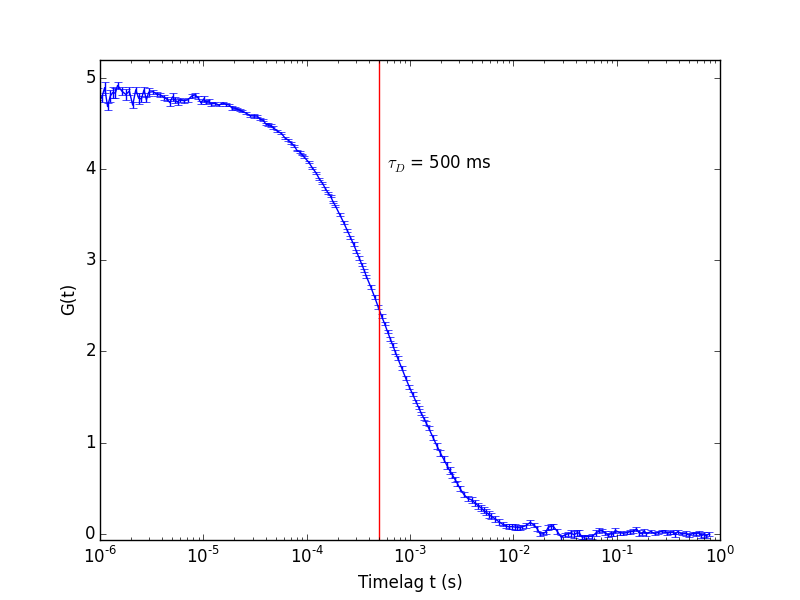
$ python multipletau_cor_tttr_example.py
Sample data is loaded from the associated file and correlated. The resulting correlation function is plotted.